 Prep App
Make your stock count.
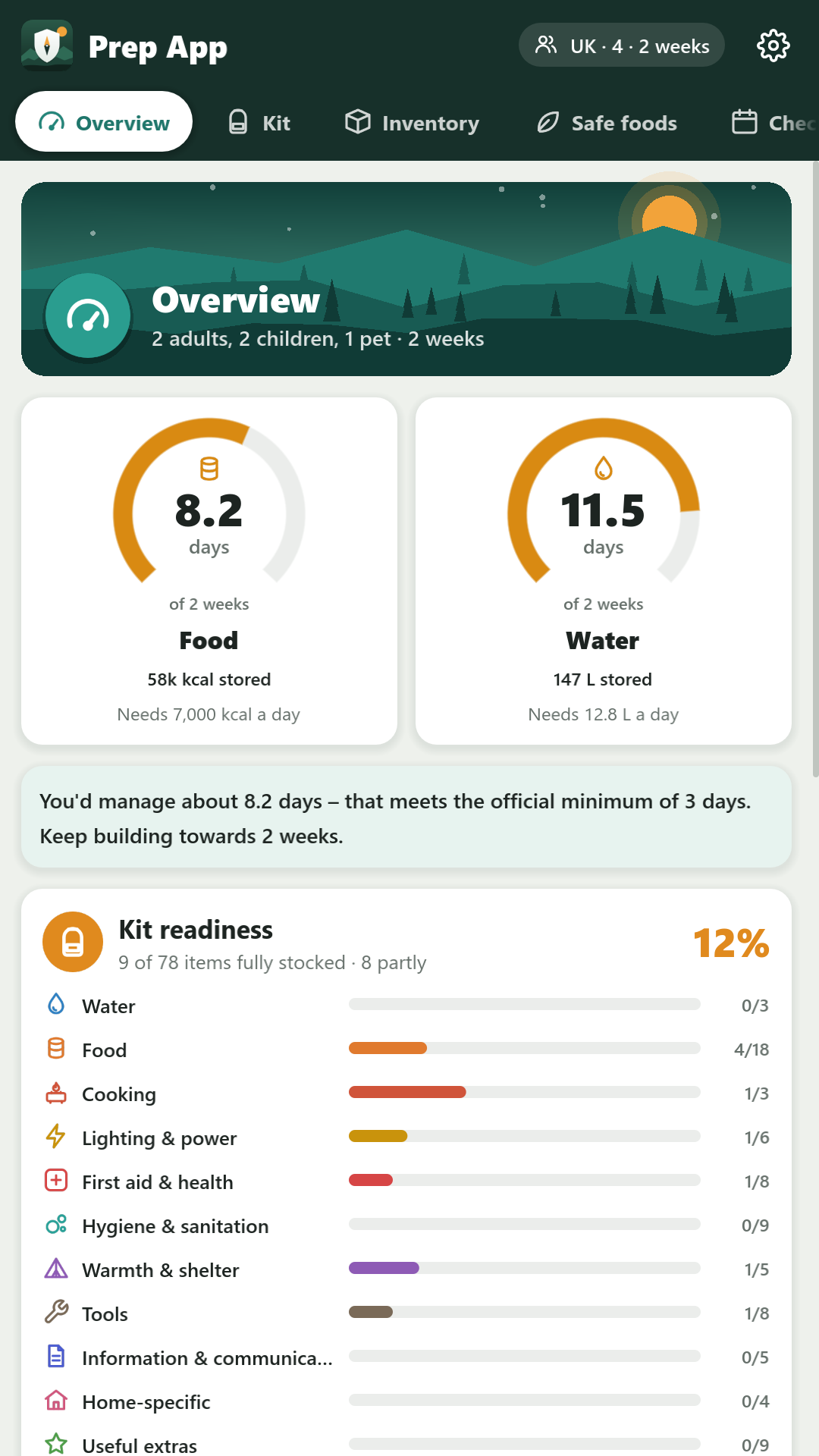
Keep an inventory of your supplies and where they are stored. See how many days of food and water you have for your household.
Emergency preparedness · offline
Power cuts. Storms. The unexpected. Get your household's supplies, emergency kit and plan in order, one practical step at a time.
Works offline. No account. Your data stays on your device.
Small steps. Better prepared.
Bring the essentials into one place. Make a plan that fits the people and pets who depend on you.
Keep an inventory of your supplies and where they are stored. See how many days of food and water you have for your household.
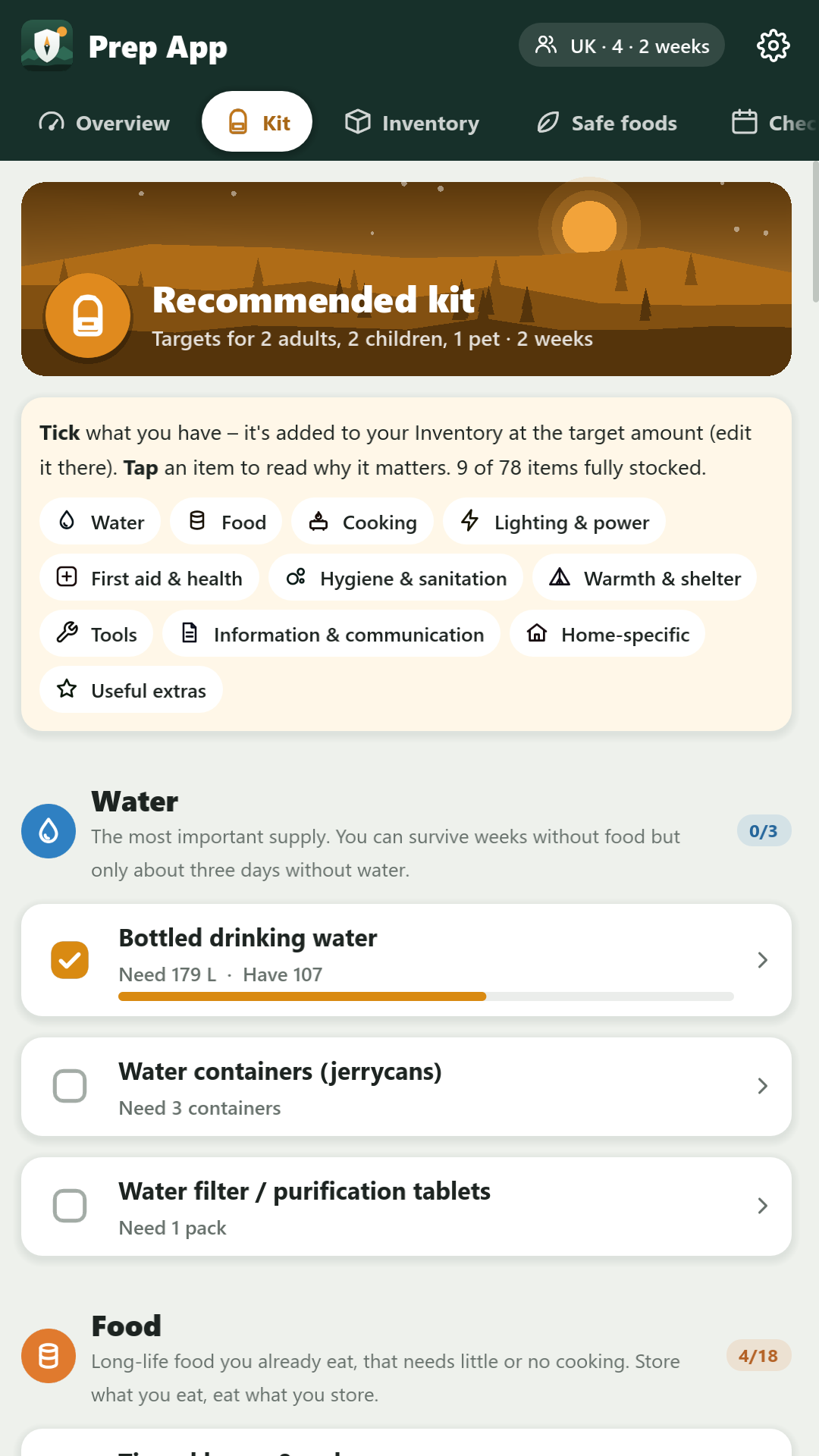
Work through a recommended kit, from water and food to lighting, first aid and warmth. Tick off what you have and see your progress.
Save emergency contacts, your household plan and medical notes. Keep track of maintenance checks so your preparations stay useful.
A look inside
A clear picture of your preparations, a checklist to work through, and a way to find your bearings offline.
See your food and water coverage alongside the progress you've made on your kit.
Recommended supplies for your household. Tap an item to learn why it matters.
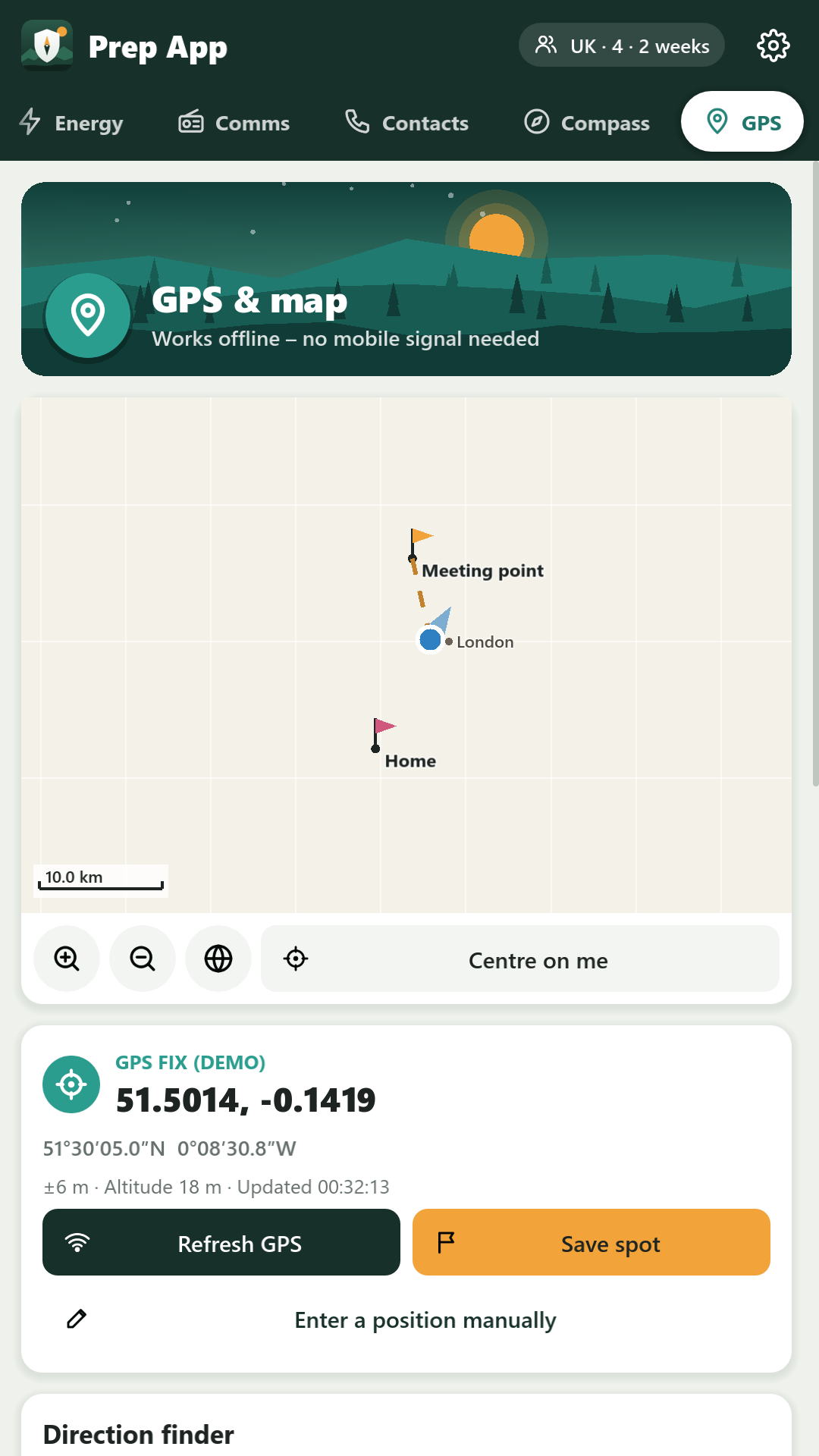
Use the compass and offline map, save waypoints, and see their distance and direction. Location permission is optional.
Offline by design
Your plans and supplies are personal. Prep App keeps what you enter on your device, with no account to create and no cloud service to depend on.
Read the privacy policyPrep App works offline, including its built-in map. If you choose to open a link to official advice, it opens separately in your web browser.
No. The GPS page asks for location permission, but the rest of the app works without it. You can also enter a position by hand.
You can export a backup of your data. To remove everything from the app, use Settings → Delete all data. See the privacy policy for the details.
Questions about Prep App? We'd like to hear from you.